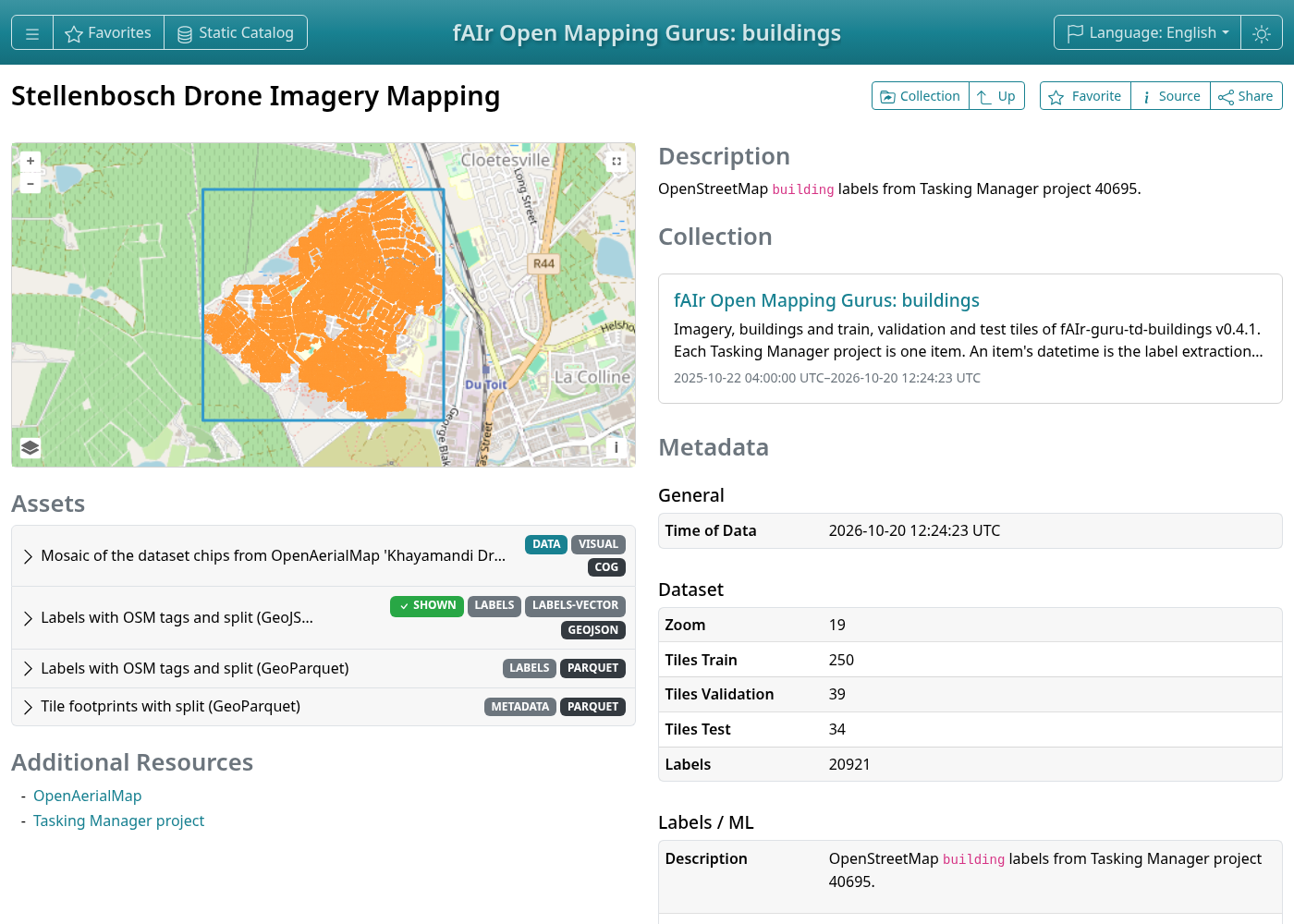
Browse with STAC Browser
Open the root catalogue in STAC Browser.
It lists one release of each dataset. Each dataset is a STAC Collection with one item per Tasking Manager project, holding its imagery, labels and tiles. A single release opens the same way, for example fAIr-guru-td-buildings v0.4.1.
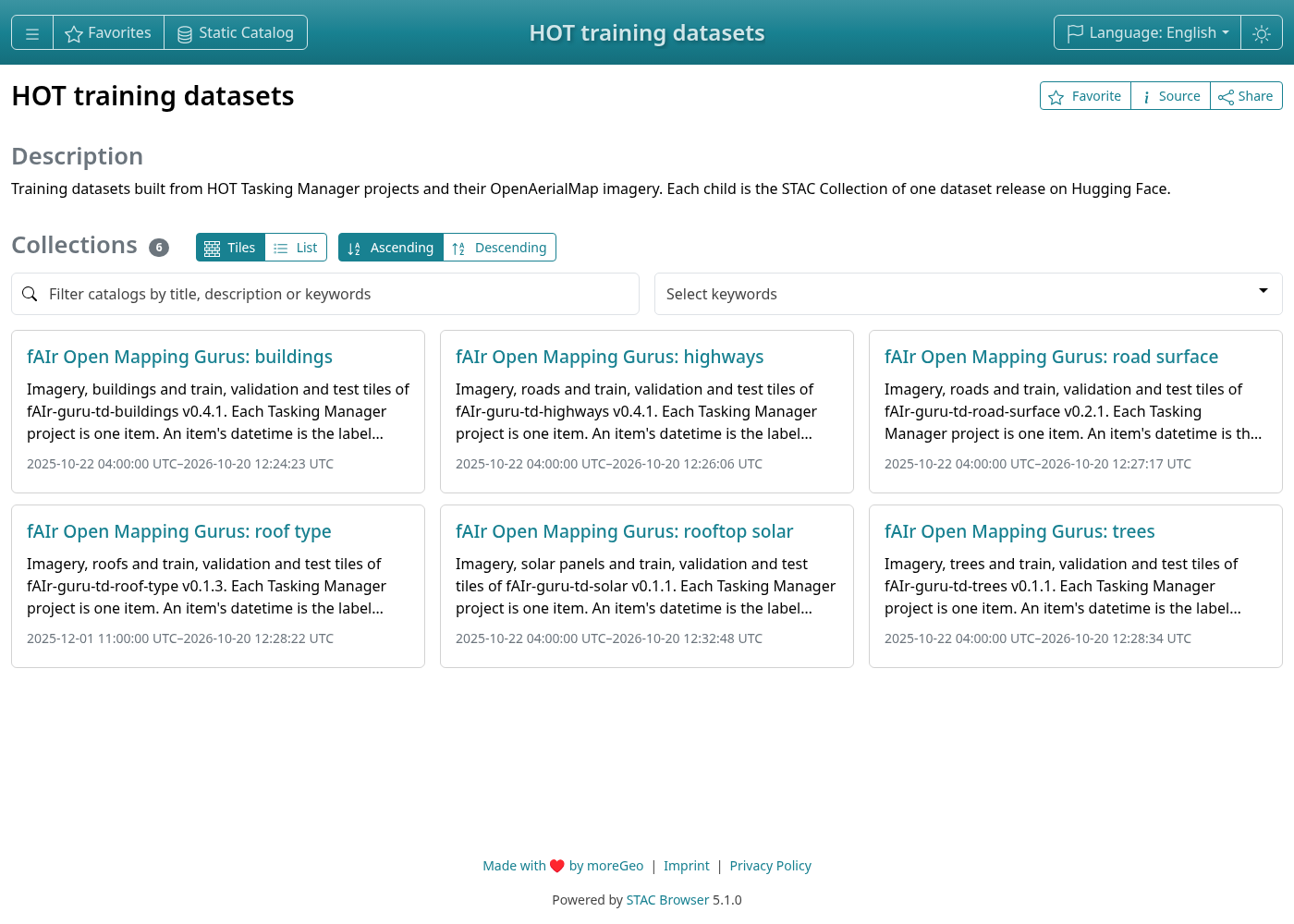
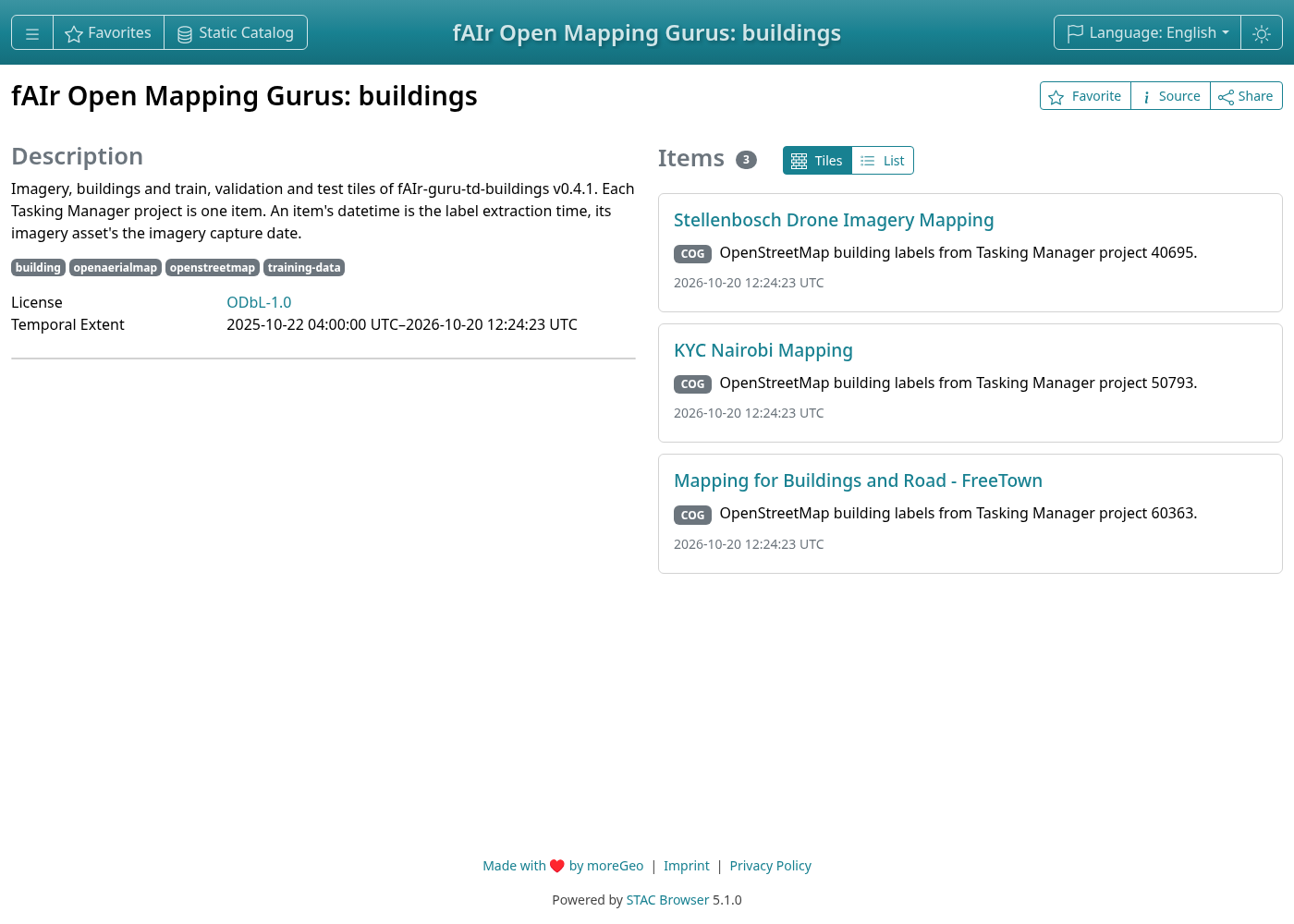
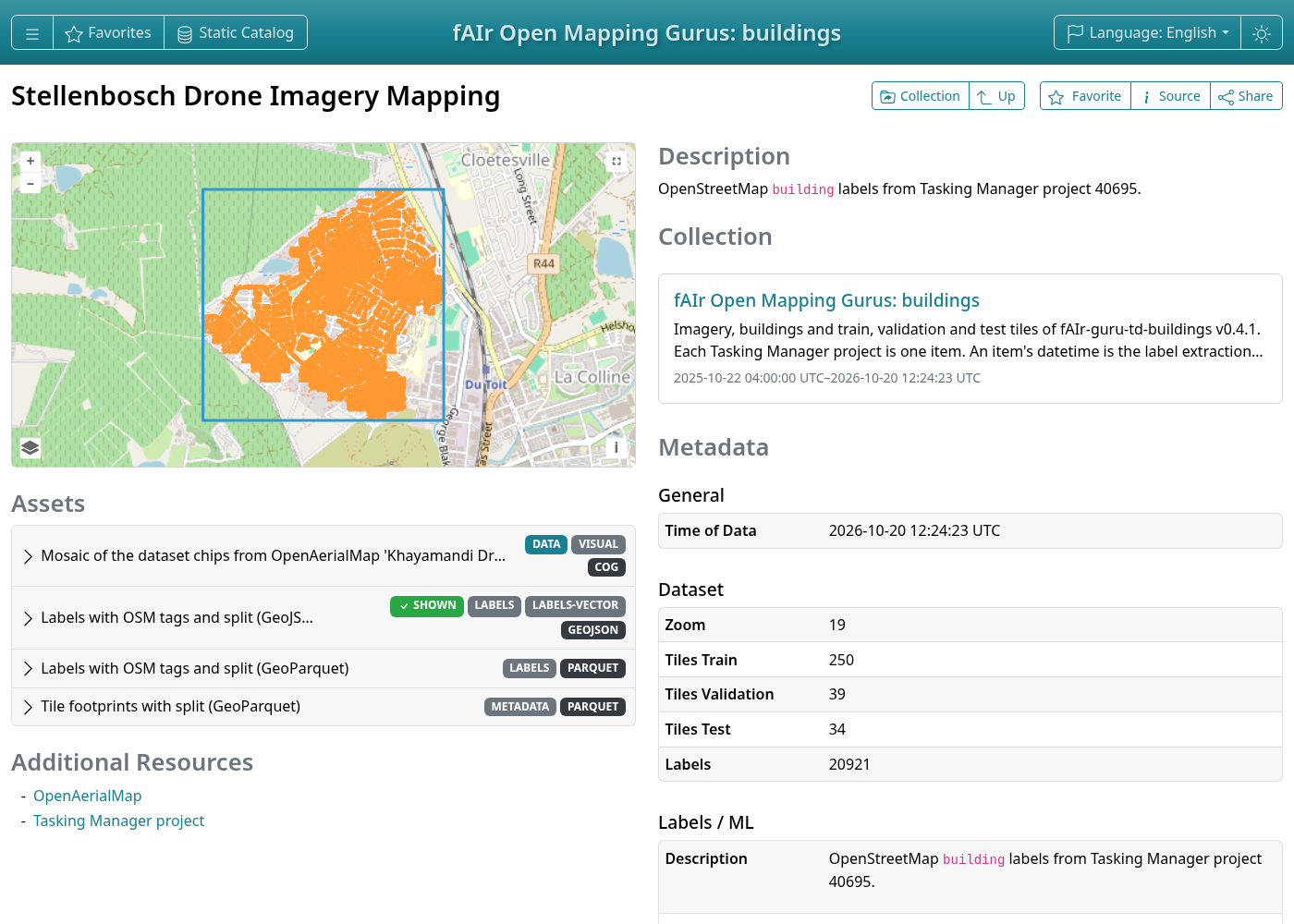
A project
An item shows its labels on the map, class counts, tiles per split and the Tasking Manager
project. Show on map on the imagery asset draws the imagery, with its capture date and
pixel size (raster:spatial_resolution). QGIS shows imagery and labels together.
Large label files, such as the 120,000 trees of project 50661, take a while to draw.
Assets
The item holds the imagery (Cloud Optimized GeoTIFF), the labels (GeoJSON and GeoParquet) and the tile footprints with their split (GeoParquet). Open in geoparquet.info shows a GeoParquet file. To colour tiles by split, use QGIS.